|
An AppImage for TeXmacs
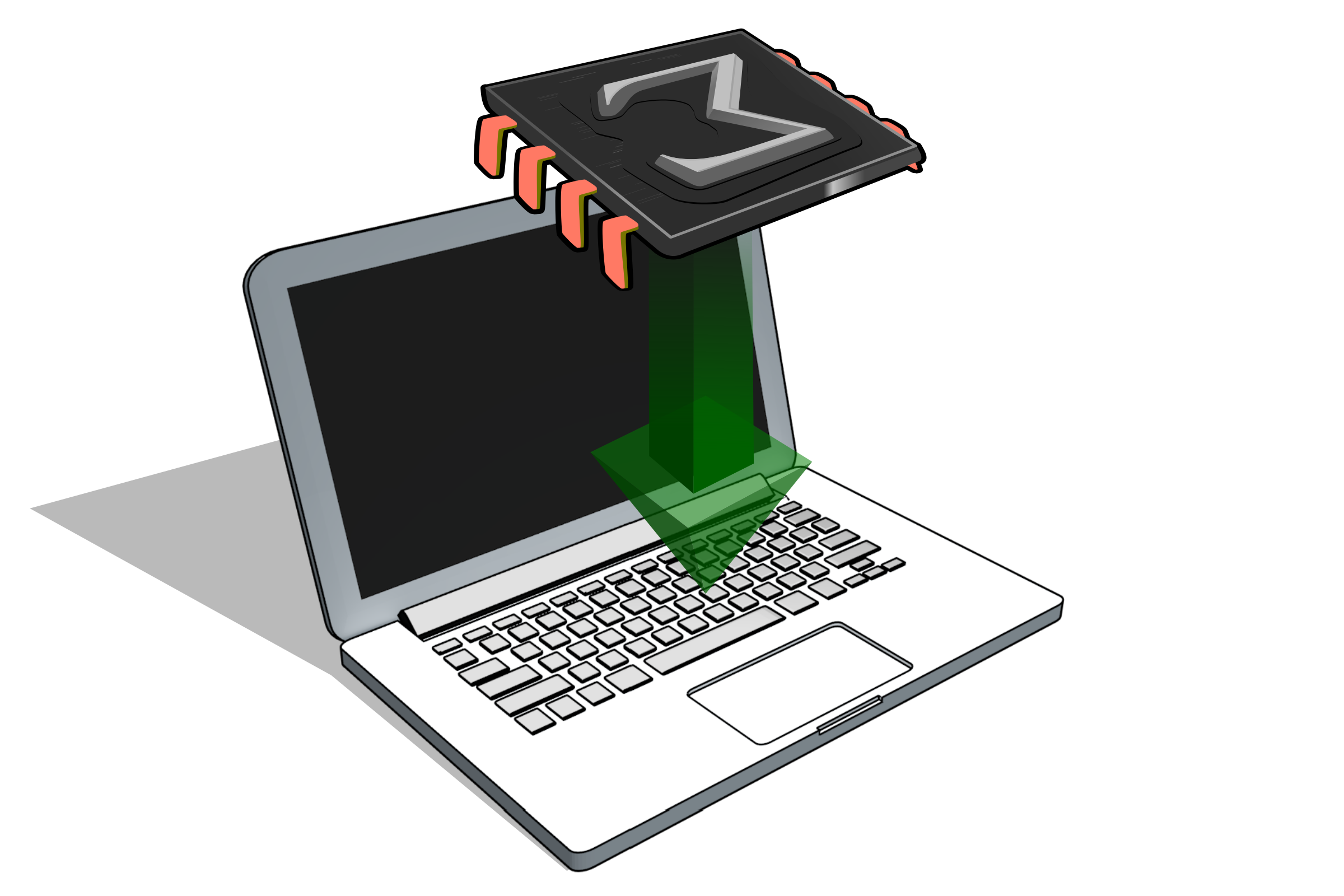
The recommended generic way to install TeXmacs on GNU/Linux distributions with no dedicated TeXmacs
packages is to use an AppImage.
For this, you should first download the TeXmacs 2.1.5
(Qt6) AppImage for 64 bit GNU/Linux
distributions.
After downloading, simply move the AppImage
to your desktop or any other convenient location and double click
on it to launch TeXmacs.
On some older versions of GNU/Linux, you may
need to give your system the permissions to execute the AppImage. In that case, open a terminal and type
the following command in the directory that contains the AppImage:
chmod a+x TeXmacs-2.1.5.x86_64.AppImage
After that, double clicking on AppImage
should launch TeXmacs.
Older AppImage versions are available here.
|
|
Packages for specific GNU/Linux
distributions
Depending on your GNU/Linux distribution,
you may choose between the following installation methods:
-
For Debian, Ubuntu and Raspbian (or any Ubuntu-based
distributions, such as Linux Mint), we recommend installing
TeXmacs from our official APT repository. This
ensures TeXmacs updates automatically alongside your system.
-
We provide ready-to-install packages for CentOS,
Debian, Fedora, Scientific
Linux, Open Suse, Ubuntu, Raspbian.
-
Some distributions (such as Gentoo) actively
support TeXmacs, in which case you may directly install
TeXmacs using the standard tools of your system.
|
|
Learning TeXmacs
-
Get started by watching our introductory videos.
-
Or by reading one of the TeXmacs tutorials.
-
For more information, please consult the user
manual.
|
|
Any questions?
|
|
Donate
|
© 1999–2019 by Joris van der Hoeven
 Installing TeXmacs for